

Your paper receipts are a ticking clock. Thermal paper fades. Ink disappears. An unreadable receipt is a lost deduction. You've likely felt the frustration of manual data entry errors or the worry of storing sensitive financial data on a mobile device. It's time for a professional change. Using a high-performance android invoice scanner app isn't just about convenience. It's about audit protection.
We'll show you how to transform your Android device into a professional-grade tax organizer. This guide details a capture-extract-secure workflow that eliminates clutter. You'll learn to generate high-fidelity PDF records and use automated OCR extraction for instant accuracy. We'll also cover securing your digital filing cabinet with PIN protection. Your 2026 tax season starts with a single, high-resolution scan. Capture the data. Secure the record. Finish the job.
Key Takeaways
- Prevent data loss. Digitizing thermal receipts ensures compliance with 2026 tax standards before ink fades.
- Capture professional scans. Use an android invoice scanner app to create high-resolution PDFs with automatic edge detection.
- Lock sensitive data. Protect financial records with PIN-locked folders for total mobile privacy and security.
- Ensure instant retrieval. Apply standardized naming conventions to make your digital filing cabinet audit-ready and searchable.
Why Digital Invoice Management is Critical for 2026 Tax Compliance
Physical receipts are liabilities. Thermal paper degrades rapidly. Heat, sunlight, and friction erase essential transaction data. By the time audit season arrives, your proof is gone. Faded ink equals lost deductions. Using a professional android invoice scanner app solves this instantly. Capture the image. Preserve the data. Scan now. Secure forever.
Tax professionals demand high-fidelity records. Standard smartphone photos often lack the clarity required for formal review. High-resolution PDFs provide the sharp, legible documentation needed to survive an inquiry. This format is the industry standard for 2026 compliance. It ensures your records remain readable for the required three-year retention period. Your choice of android invoice scanner app determines the quality of your audit trail.
Efficiency is the byproduct of real-time action. Don't wait for April. Start organizing business documents on Android as transactions occur. This proactive approach utilizes Optical Character Recognition (OCR) to transform static images into searchable text. It eliminates manual entry errors. It saves hours of administrative labor. Accurate data leads to accurate filings.
Building a Digital Filing Cabinet on Android
Shift your perspective. Stop seeing your phone as a camera. Start seeing it as a digital filing cabinet app android solution. Physical folders are bulky and vulnerable. They occupy space. They get lost. Digital directories are searchable, portable, and encrypted. Moving from paper to a mobile-first workflow ensures your financial history is always accessible. It's about total control. Professional-grade security matters. Protect your sensitive financial data with PIN-locked folders.
Ready to upgrade your workflow? Contact Scantrix experts for professional scanning solutions to secure your 2026 tax records today.
Step-by-Step: Capturing Tax-Ready Invoices with Your Android Device
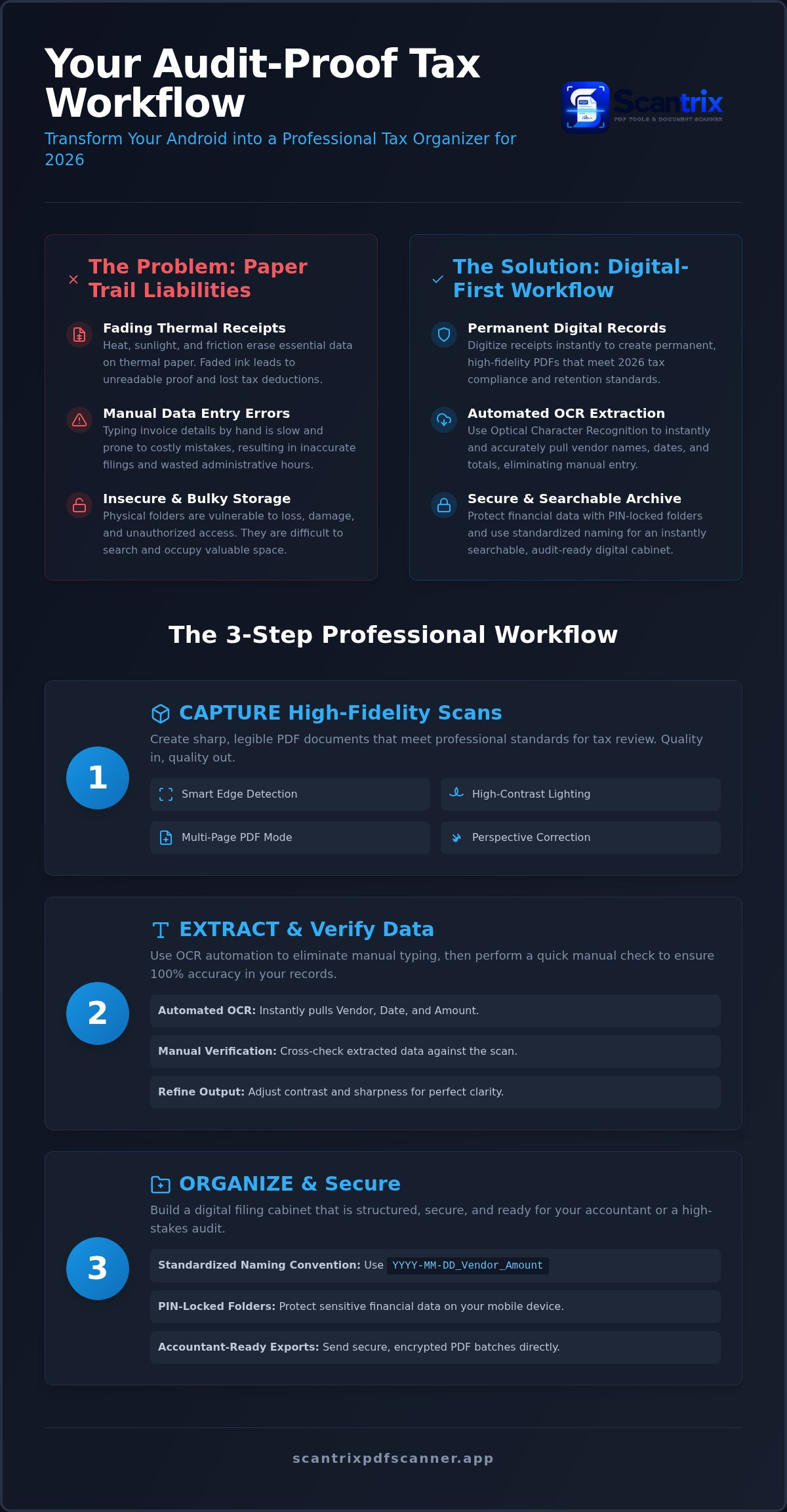
Professional results require precision. Start by activating smart edge detection. This feature automatically identifies document boundaries. It removes background clutter and corrects perspective skew. Place the invoice on a flat surface. Ensure high-contrast lighting to get clear scans on Android hardware. Shadowless environments produce the sharpest results. Capture the image. Verify the data. For lengthy receipts or related expense sets, use multi-page capture mode. Combine separate scans into one cohesive PDF file. This streamlines your accounting process. It maintains a logical document flow.
Using an Android Invoice Scanner App for Data Extraction
Automation drives productivity. A high-performance android invoice scanner app utilizes ocr text extraction app android technology to identify key fields. It pulls vendor names, dates, and currency totals instantly. This eliminates manual typing. While automation is fast, accuracy is paramount. Learn how to copy text from a scanned document on Android for manual verification. This step ensures your digital logs remain error-free. Refine the final output using an 'edit-to-scan' workflow. Adjust contrast and sharpness until every digit is unmistakable. Many top receipt scanner apps for Android offer these features, but professional execution depends on your capture technique. Consistent quality leads to reliable financial data. If you need assistance with enterprise-scale digitization, you can reach out for expert guidance to optimize your tax preparation workflow.
Finalizing Records: Secure Storage and Accountant-Ready Exports
Organization is the foundation of tax readiness. Raw scans are useless without a logical structure. Implement a standardized naming convention for every file immediately after capture. Use the specific format 'YYYY-MM-DD_Vendor_Amount'. This convention ensures instant searchability during a high-stakes audit. It allows your android invoice scanner app to function as a professional archive rather than a random photo gallery. Sorting by transaction date or vendor becomes effortless. Your accountant will appreciate the systematic clarity. Precise naming saves billable hours. It eliminates the chaos of year-end preparation.
Seamless export completes the professional workflow. Avoid insecure messaging platforms for financial documents. Send encrypted PDF batches directly from your Android device to your tax professional. An optimized android invoice scanner app ensures your data is accountant-ready in seconds. Utilize secure email protocols or direct cloud sync to transfer sensitive records. This maintains a clean chain of custody for your business data. Digital filing requires reliable accessibility. Ready-to-export files ensure you meet the 2026 federal filing deadline of April 15 without friction. Speed meets security. Results follow action.
Protecting Sensitive Financial Data with PIN Security
Mobile devices are inherently vulnerable to physical and digital intrusion. General cloud storage security often fails to protect local cached files. Using a dedicated app to lock PDF files on Android is critical for maintaining business privacy. While many AI-driven tools focus only on the cloud, they often leave local storage exposed. Scantrix addresses this gap by providing a secure, encrypted vault for tax-sensitive documents. Set up PIN-protected folders to isolate your financial records from personal media. This local security layer prevents unauthorized access to your sensitive income and expense data. It's your digital filing cabinet. Keep it locked. Protect your livelihood. Secure your business records today with Scantrix.
Master Your 2026 Tax Workflow
Transitioning to a digital workflow is no longer optional. It's essential. You've learned how to combat thermal paper degradation and implement a professional capture-extract-secure system. Smart edge detection delivers desktop-quality output every time. Professional OCR text extraction eliminates manual entry errors. You've secured your sensitive records in a PIN-protected document vault for total privacy. This systematic approach transforms your mobile device into a high-performance tax organizer.
Using a reliable android invoice scanner app prepares you for any audit. You have the tools. You have the workflow. Now, take the final step toward a paperless business environment. Streamline Your Tax Prep. Contact Scantrix for Enterprise Solutions. Your 2026 tax season can be effortless. Professional results start with action. Build your digital legacy today.
Frequently Asked Questions
Does the tax office accept digital receipt scans for business audits in 2026?
Yes, the IRS accepts digital and scanned receipts as valid proof for business expenses. Your records must be legible, accurate, and complete reproductions of the original documents. Digital filing is encouraged. Ensure your android invoice scanner app captures the date, amount, and vendor clearly. Maintain these records for at least three years from your filing date. Accuracy is compliance.
How do I ensure my receipt scans are clear enough for OCR text extraction?
Use high-contrast lighting and a flat surface to maximize legibility. Shadows cause extraction errors. Activate smart edge detection to remove background noise and correct perspective skew. Professional tools utilize high-resolution PDF output for superior results. Clean scans lead to accurate data. Capture the image. Verify the digits. Eliminate manual entry through precision. Results depend on capture quality.
What is the best file format for saving business invoices on Android?
High-resolution PDF is the professional standard for business invoices. It preserves document layout and text clarity across all platforms. Unlike standard image files, PDFs support multi-page documents and embedded text layers. This format ensures your records are audit-ready and easily shareable with accountants. Reliability matters. Choose PDF for long-term data integrity and professional-grade document management.
Can I add a digital signature to scanned business invoices on my phone?
Yes, you can add legally binding signatures using a professional android invoice scanner app. Integrated e-signature tools allow you to sign documents directly on your touchscreen. This eliminates the need for printing and re-scanning. Finalize contracts instantly. Secure the document. Export the signed file to your secure vault. Workflow speed increases. Friction disappears. Sign. Secure. Send.


